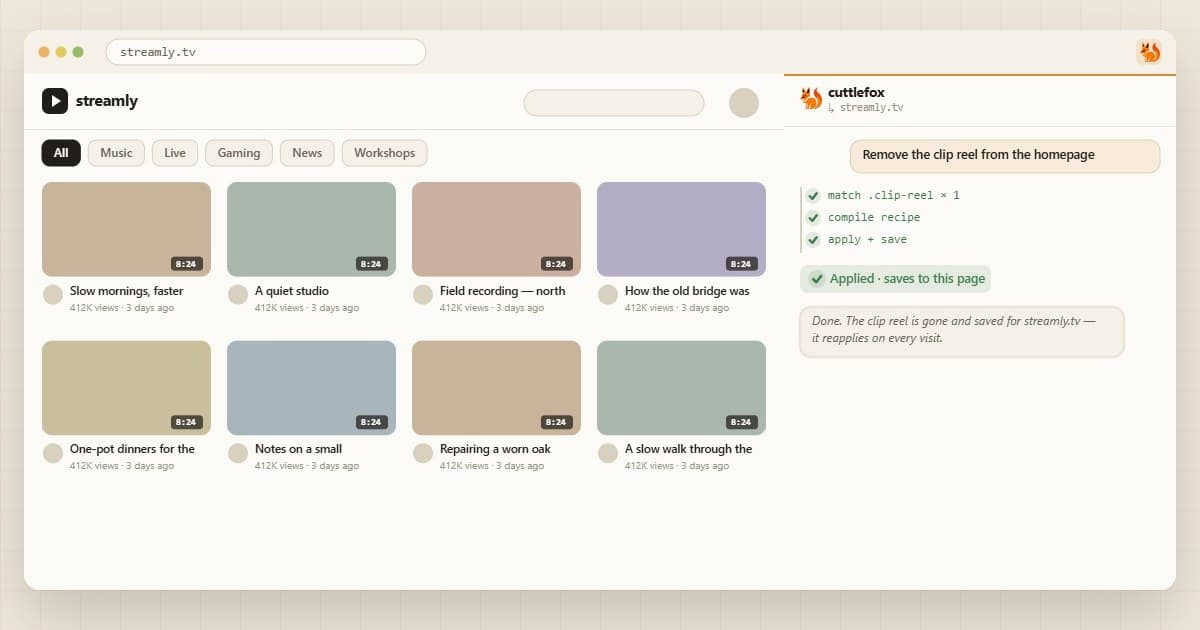
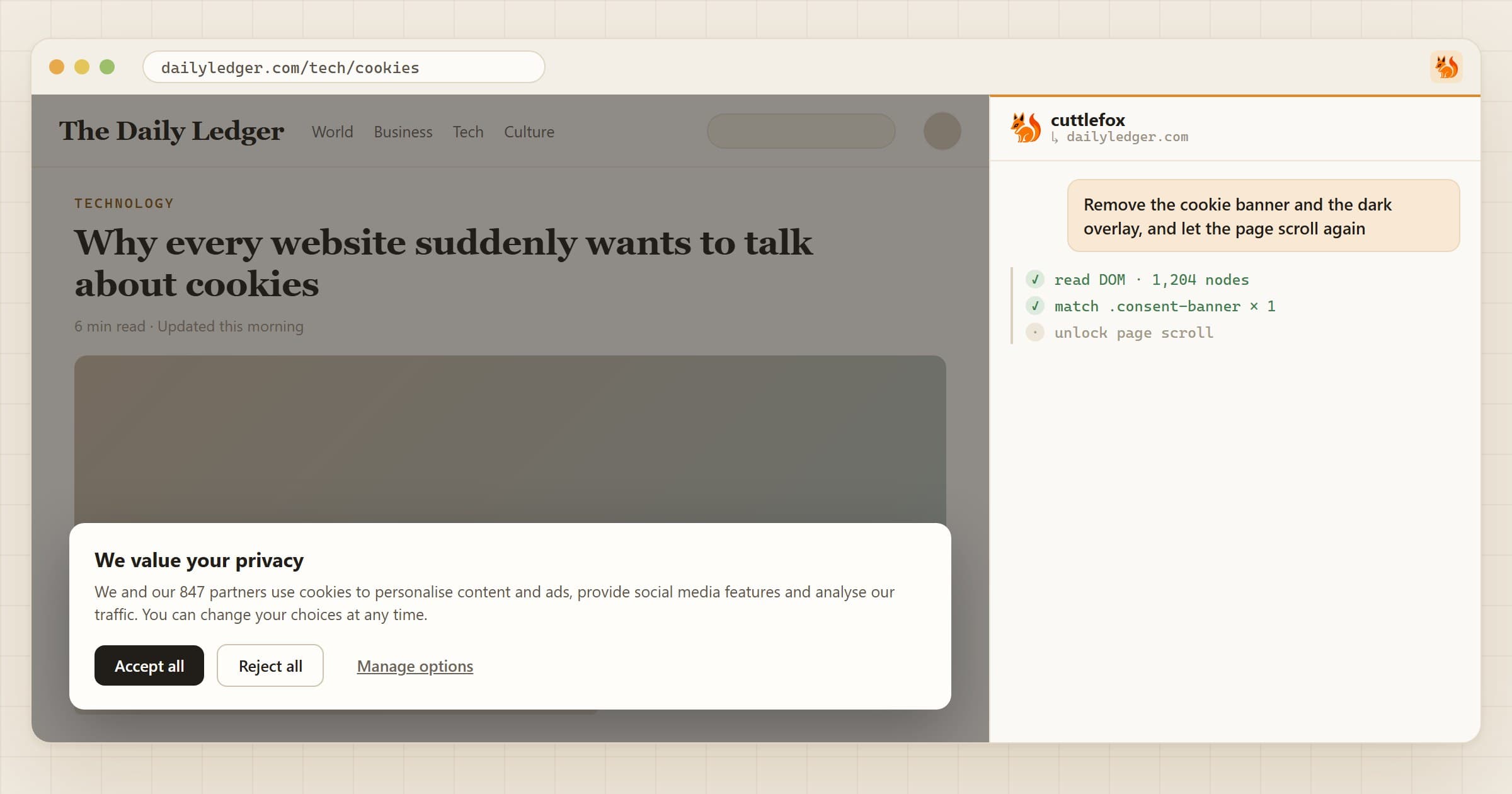
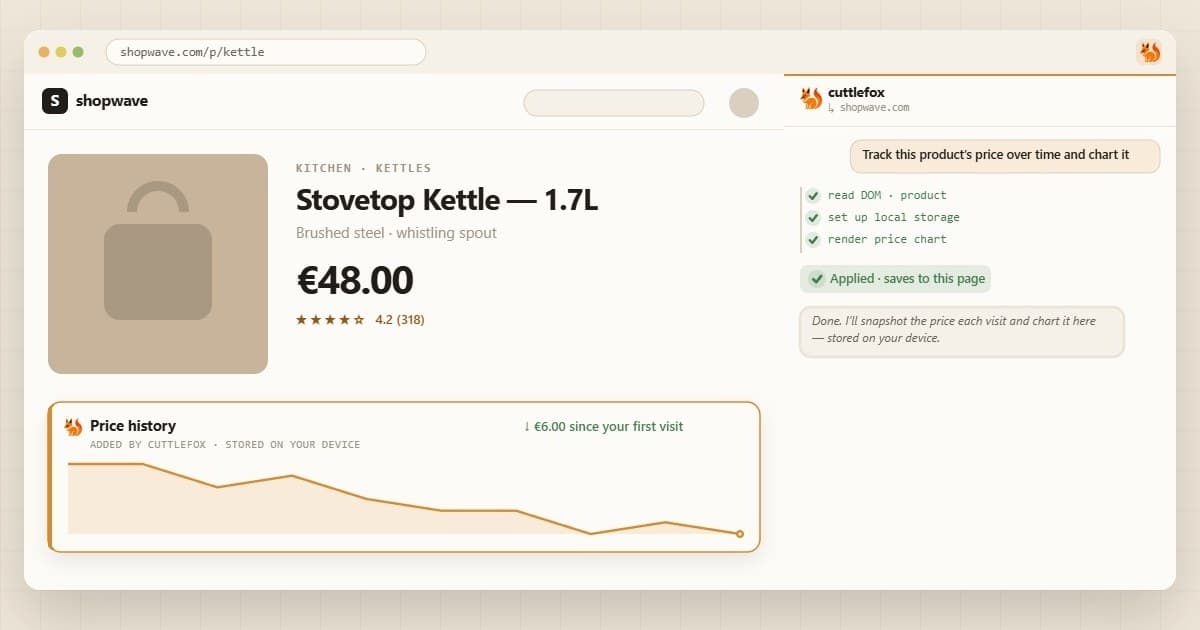
How to permanently change how a website looks in Chrome
You open DevTools, delete the annoying sidebar, bump up the font. Perfect. Then you refresh, and it's all back.
DevTools only edits the copy of the page in your tab. Reload, and the site sends a fresh one. To make a change stick, something has to reapply it every time the page loads.
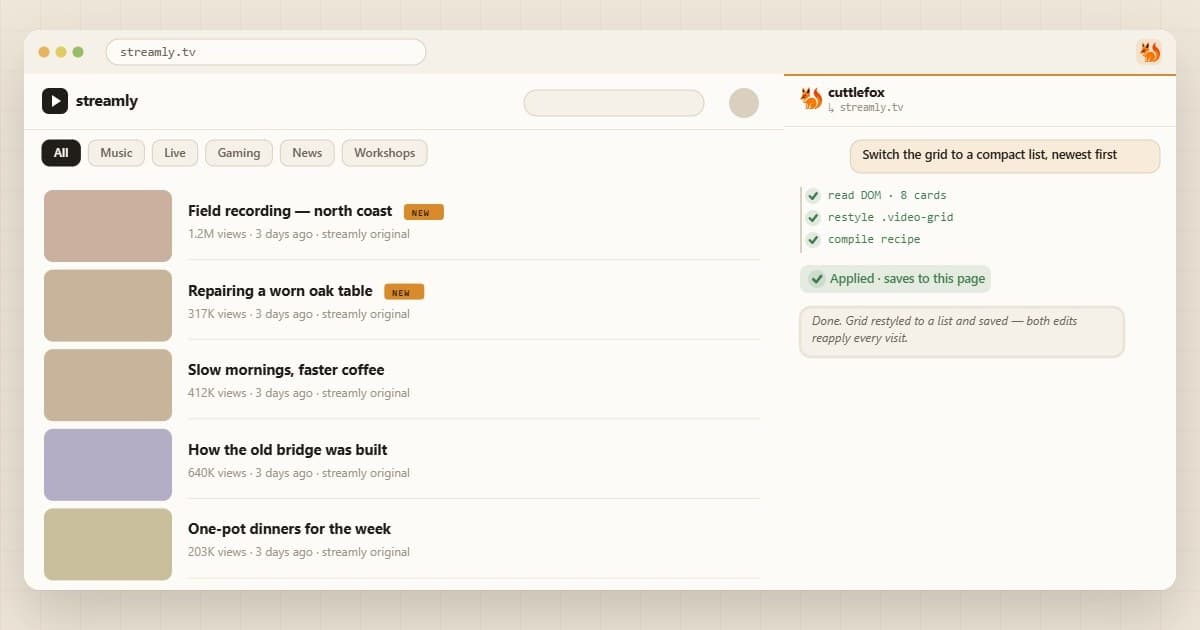
Four ways to make a change stick
How it works in Cuttlefox
- 01Open the panelClick the toolbar icon or press Ctrl+Shift+E.
- 02Say what you wantCuttlefox finds the right parts of the page and shows you a preview.
- 03Save itFor the whole site, similar pages, or just this one page.
A couple of things you could ask for:
Prompt
Make the article column wider, the text a bit bigger, and hide the sidebar.
Prompt
Keep the table header visible when I scroll.
Good to know
- Changes only happen in your browser. Everyone else sees the normal site.
- If a redesign breaks a saved edit, ask Cuttlefox to fix it.
- Building an edit sends a trimmed copy of the page to the AI, so skip pages with sensitive details, like your bank.
Want a concrete example? Here's how to hide YouTube Shorts for good.