Userscripts without the code: a plain-English alternative to Tampermonkey
Userscripts are great, if you can write them.
If you can't, you're copying code from forums and hoping it does what it says. Here's the alternative.
The catch with userscripts
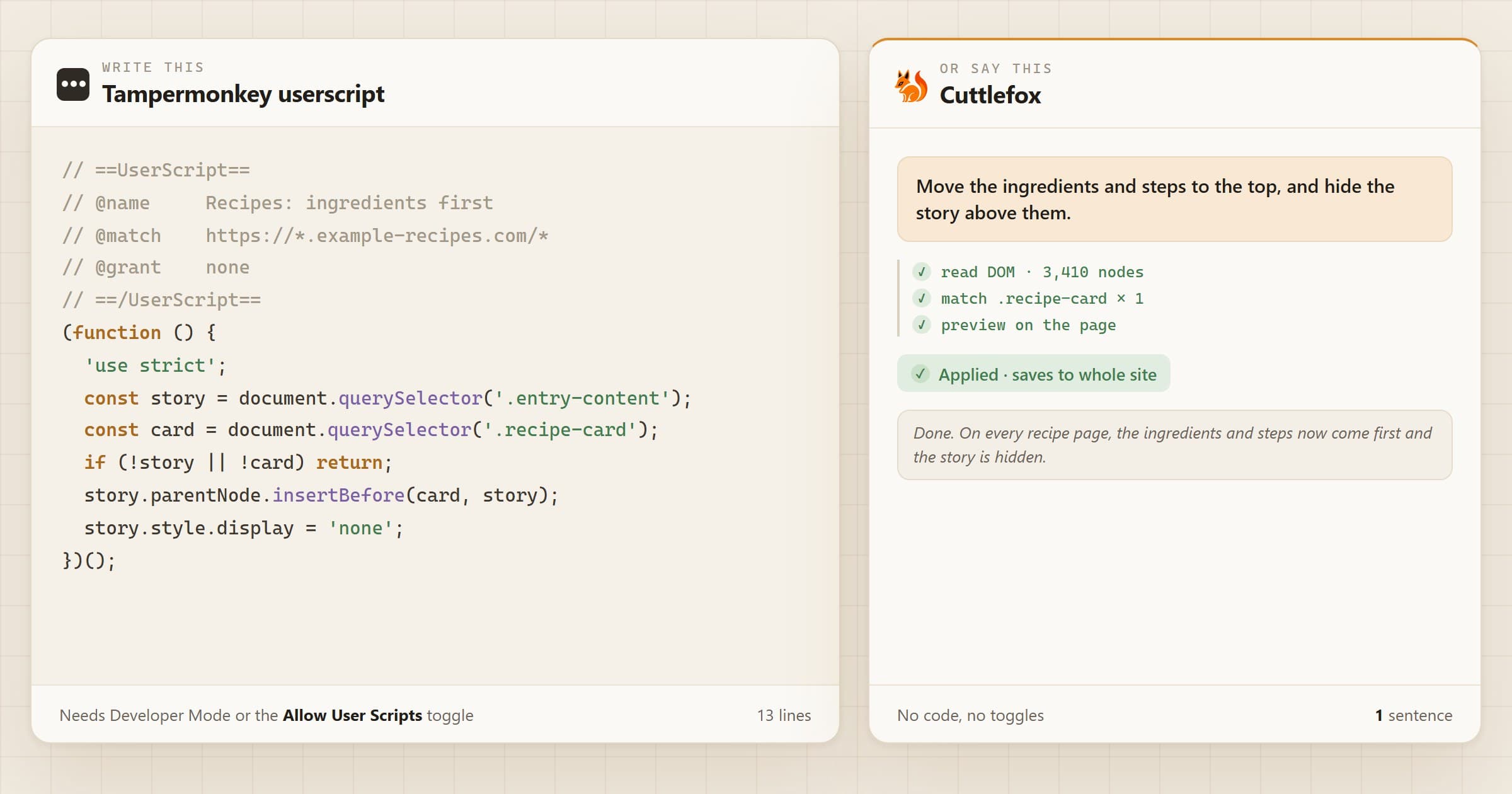
- You have to write them. Or find one someone else wrote for your exact problem, and hope it still works.
- You have to trust them. A userscript can read anything on the page, including what you type, and send it anywhere.
- Chrome adds a step. You need Developer Mode or the "Allow User Scripts" toggle, according to Tampermonkey's FAQ.
How Cuttlefox is different
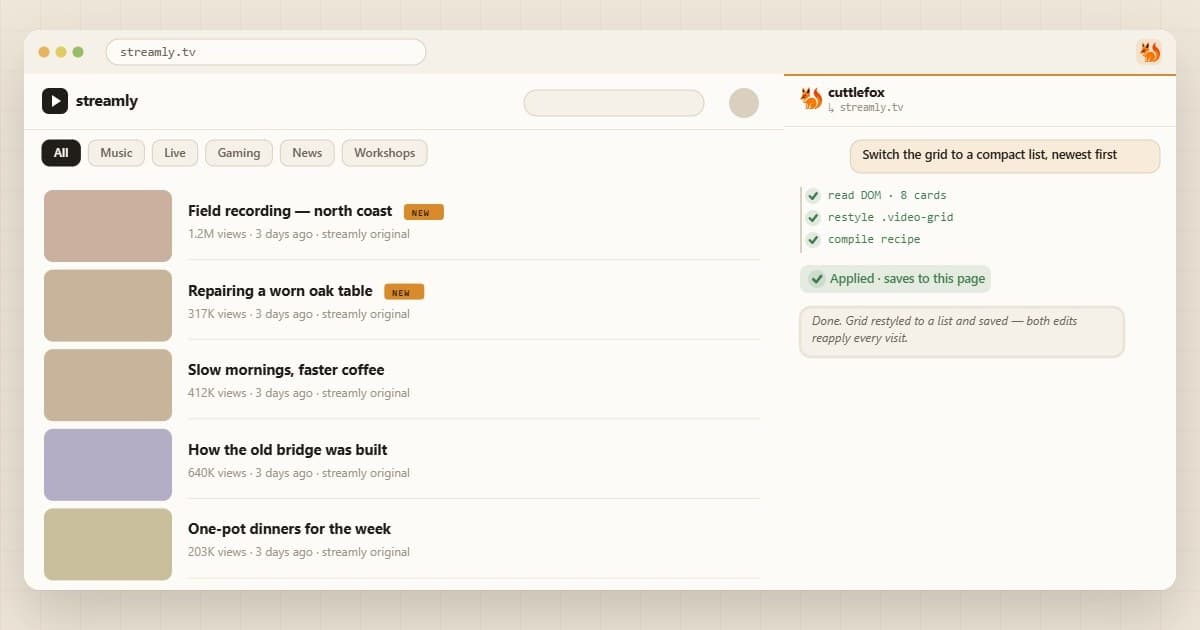
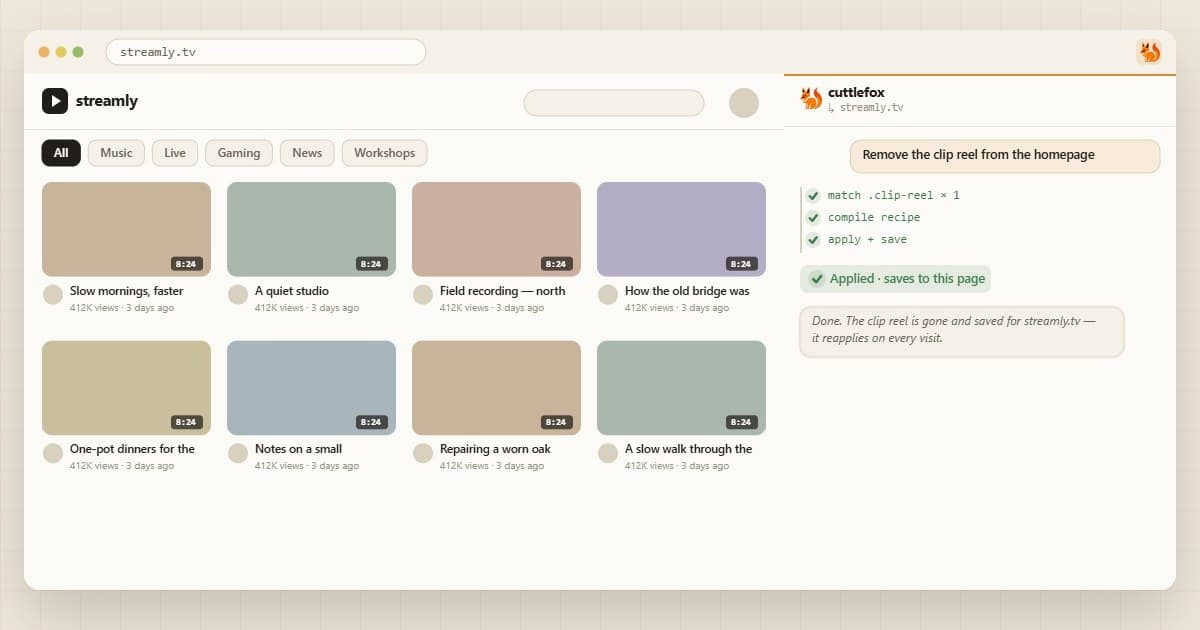
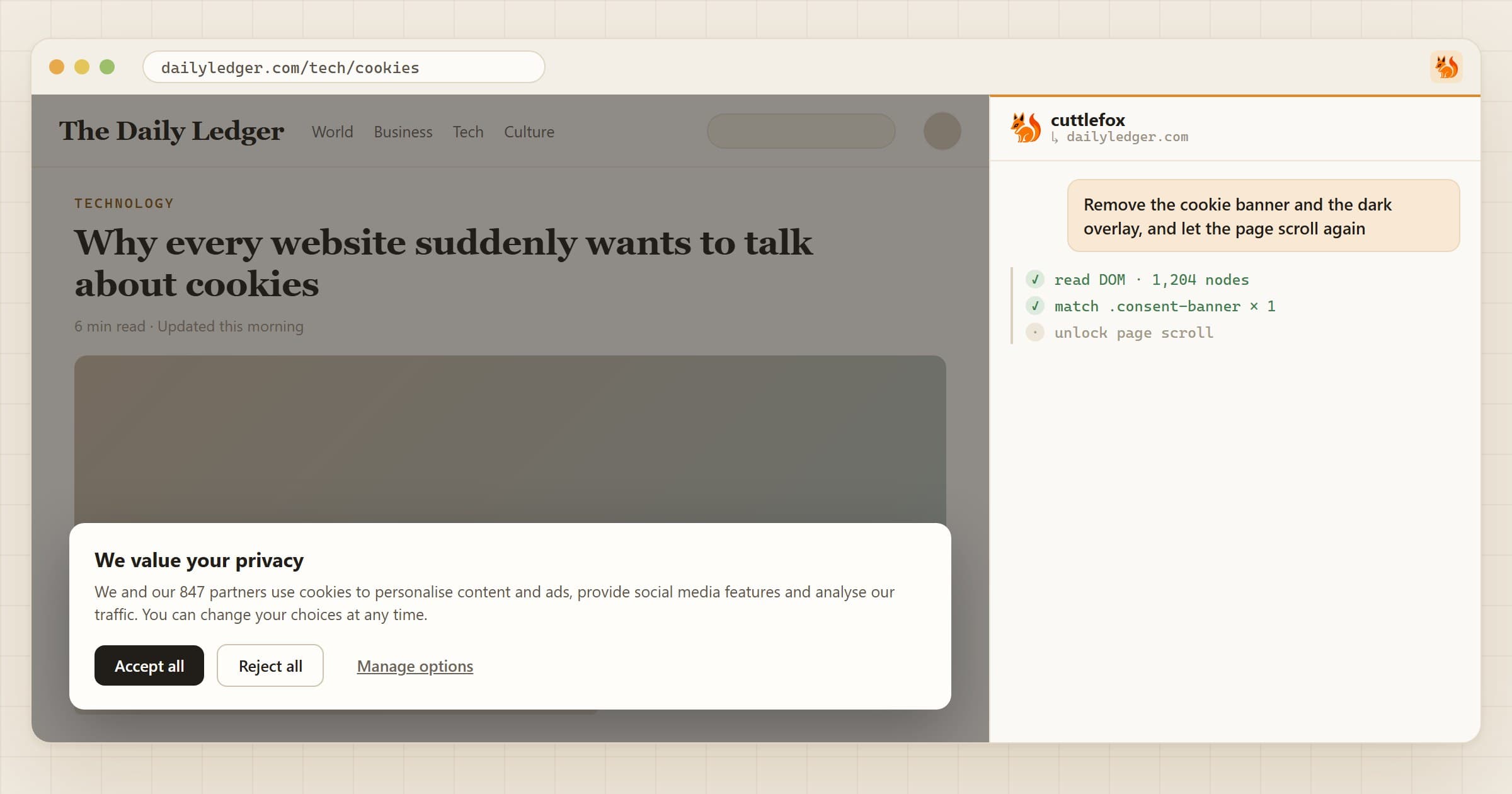
- No code at all. You describe the change. The AI turns it into steps from a fixed menu, like "hide this", "move that" or "add a row".
- It can't phone home. None of those steps can send data to another server.
- You see it first. Every edit shows a preview before it's saved.
Side by side
| Tampermonkey | Cuttlefox | |
|---|---|---|
| You make a change by | Writing JavaScript | Typing a sentence |
| Setup | Developer Mode or a toggle | Install and sign in |
| Can do | Anything | Most page edits, plus saved data |
| Can send your data elsewhere | Yes, if written to | No |
| Price | Free | 7-day free trial, then $2.50/mo |
One privacy note: while you build an edit, Cuttlefox sends a trimmed copy of the page to its AI. Saved edits run entirely in your browser.
Which should you use?
Tampermonkey if you write JavaScript, or need to pull in data from other sites. It's free and can do anything.
Cuttlefox if you know what you want but not how to code it. It covers most page edits, from hiding and restyling to calculations, saved notes and small charts.